Installing Creative Cloud
Download the installer HERE.
Run the installer.
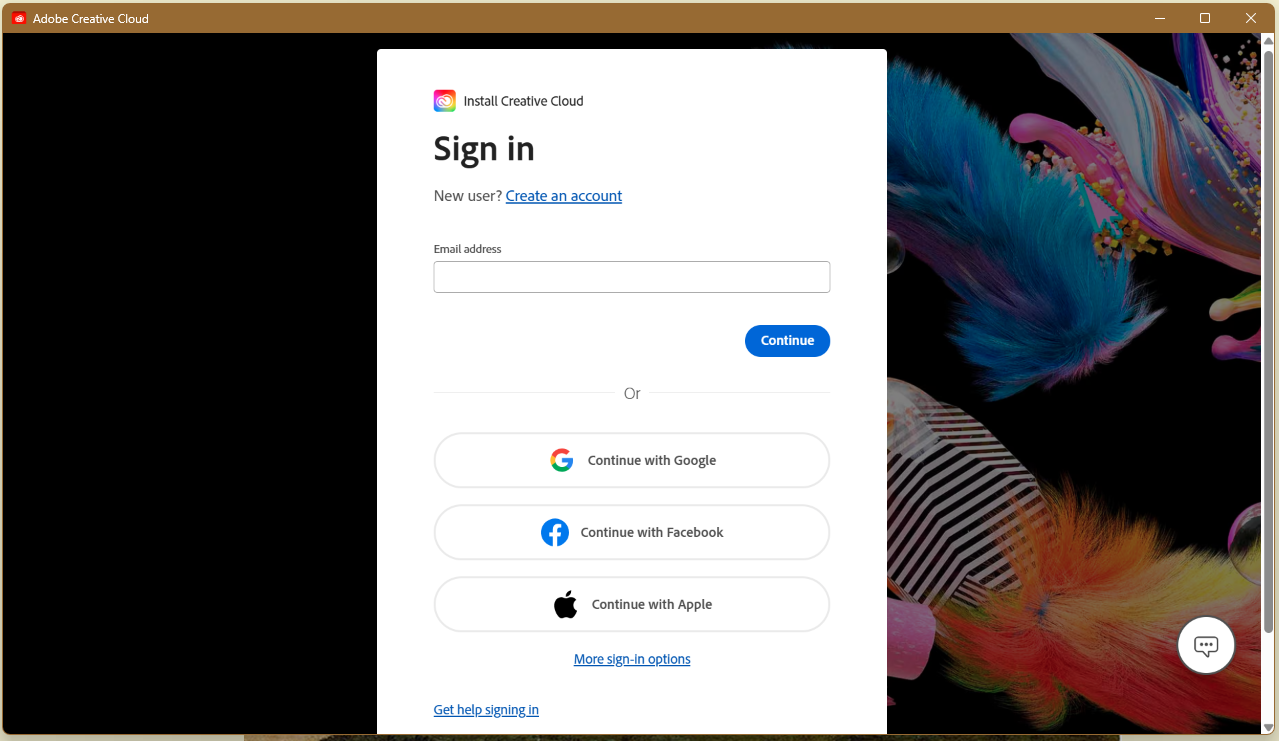
When asked to sign in, click to sign in with Google:
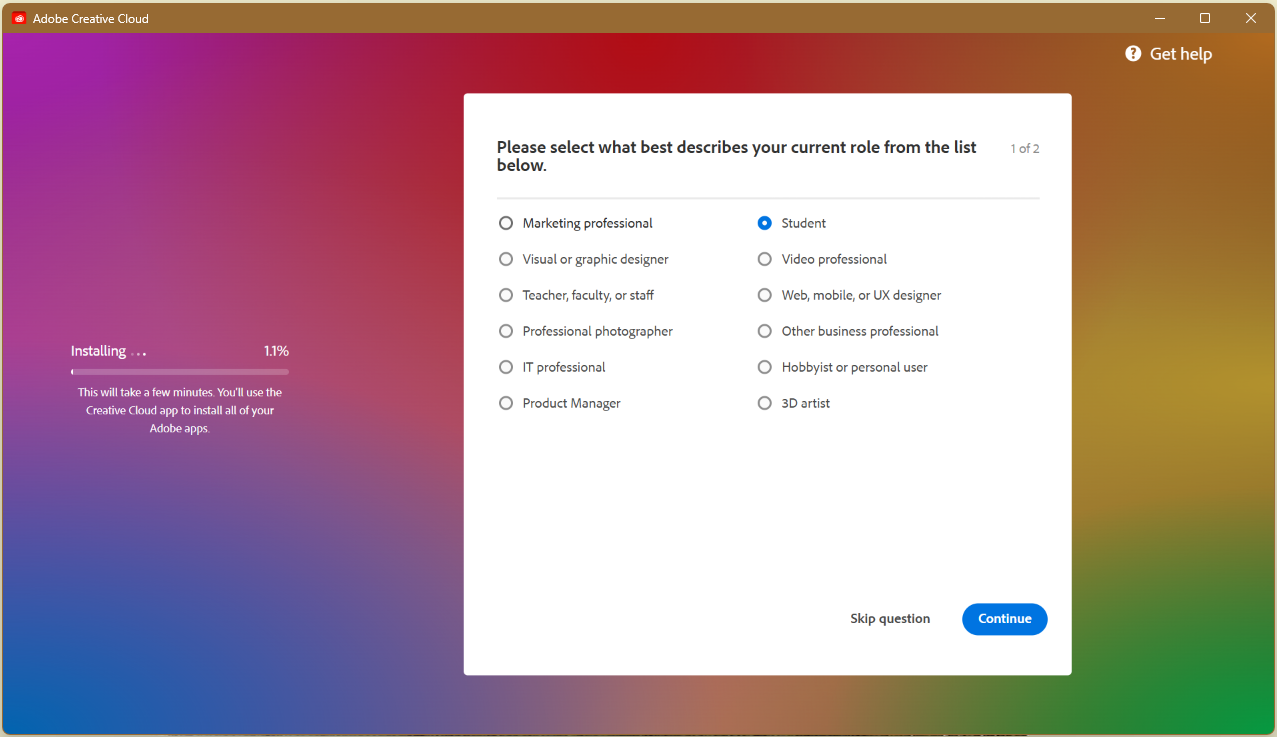
You can skip the next two prompts (or answer them if you'd like) :
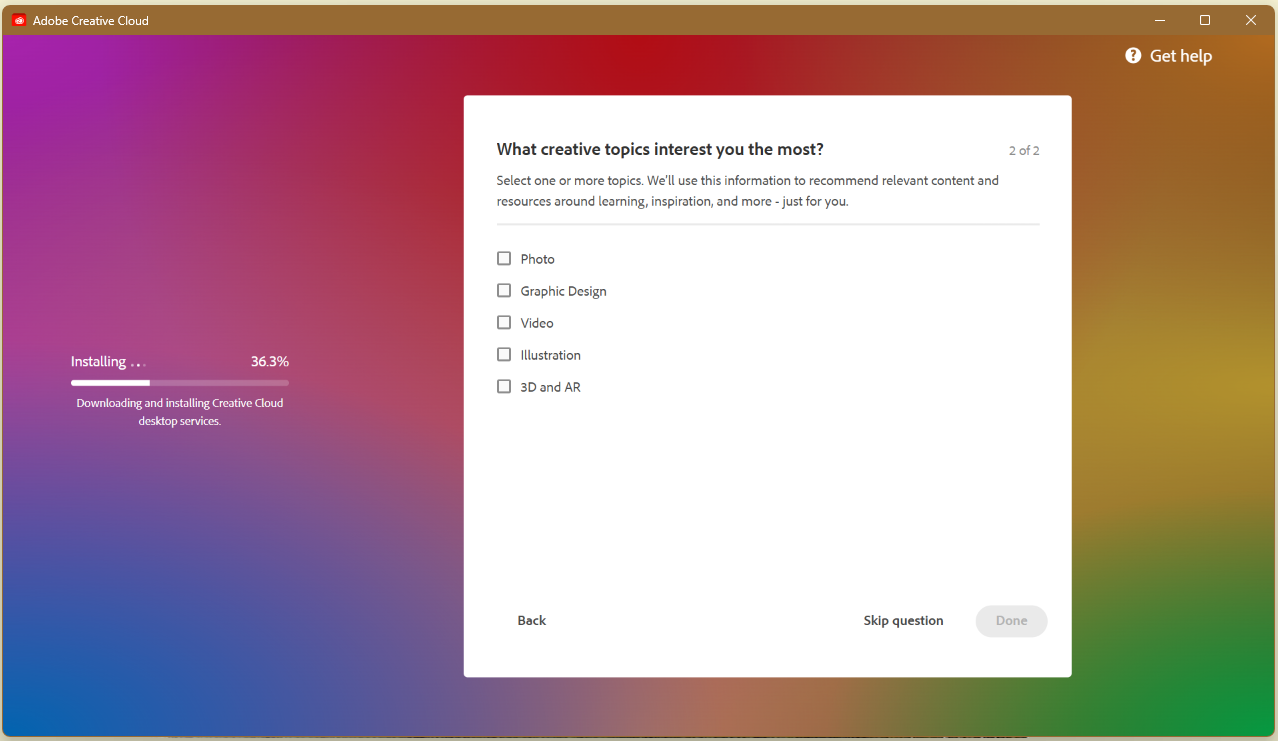
Adobe Cloud is now installed and activated! You may now begin to install the apps you need!
Installing Creative Cloud Apps
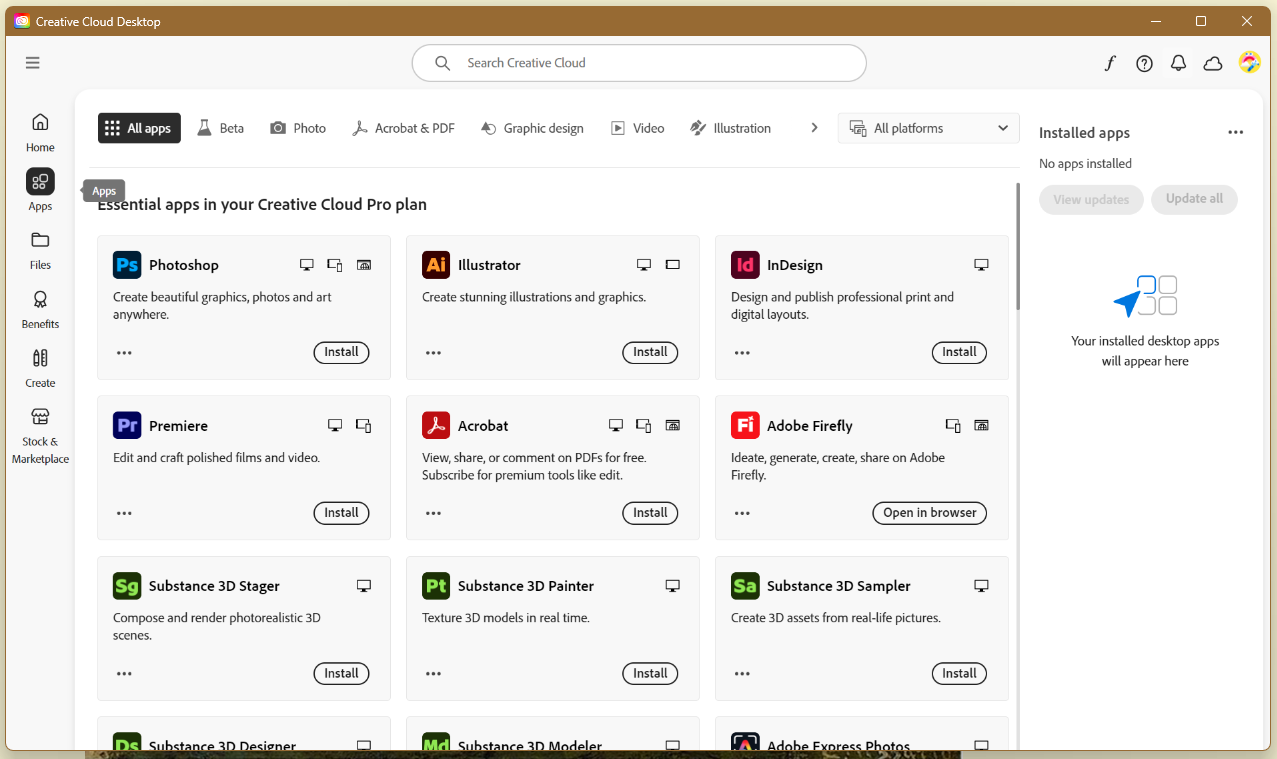
Once you have creative cloud launcher. Navigate to the apps section to view all the adobe creative cloud apps available to install: